
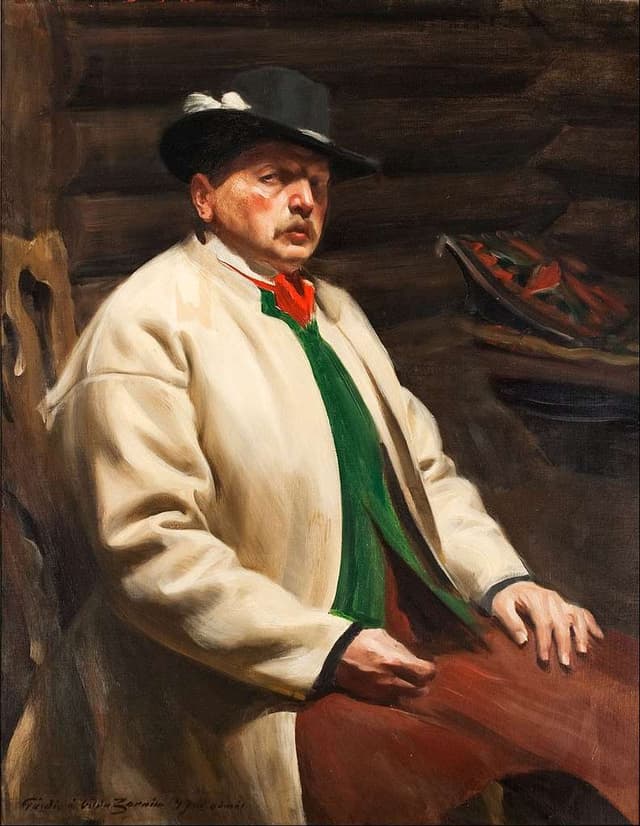
The Swedish painter Anders Zorn famously worked from a four-pigment palette — yellow ochre, ivory black, vermilion, titanium white — and produced a body of work that still teaches more about the colors of skin and stone than most modern textbooks do. The pleasant accident of the Zorn palette is that those four pigments, mixed honestly, also make a really good editor theme: warm cream paper, soft umbers and olives in shadow, a single red for emphasis, a steel-blue that emerges from black plus white.
zorn.nvim is the result. It is a Neovim colorscheme that ships five variants from a single palette:
- Dark — the default. Warm blacks and parchment tones.
- Light — inverted for daytime, respects
vim.o.background = "light". - Blue — the slate-grays that fall out of mixing ivory black with titanium white.
- Umber — burnt umber and dark wood. The shadowed interior of a Zorn painting.
- Plum — plum-tinted darks for a moodier feel.
:colorscheme zorn picks dark or light automatically from vim.o.background. Pair it with a small init.lua snippet that reads the macOS appearance and the editor follows your system theme.
Plugin support
Treesitter, LSP diagnostics, Telescope, nvim-tree, Gitsigns, Neotest, and Which-key all have proper highlight groups defined. LSP semantic tokens are deliberately cleared so Treesitter takes over syntax — fewer fights between two systems trying to color the same identifier.
Ghostty
A matching set of Ghostty terminal themes is included in the ghostty/ directory. Drop them into ~/.config/ghostty/themes/ and the editor and the terminal stay in lockstep.
What I learned
Lua plugin authoring; the surprisingly opinionated landscape of Neovim highlight groups; that a four-pigment palette is a good constraint for an editor theme exactly because it was a good constraint for a portrait. Constraints make decisions for you.